

Excel and Google Sheets · Small business and rentals

Social Media Content Calendar

Plan a month of content in one sitting and see on a calendar exactly what goes out, where and when.

11,99 €

Product details

What it does

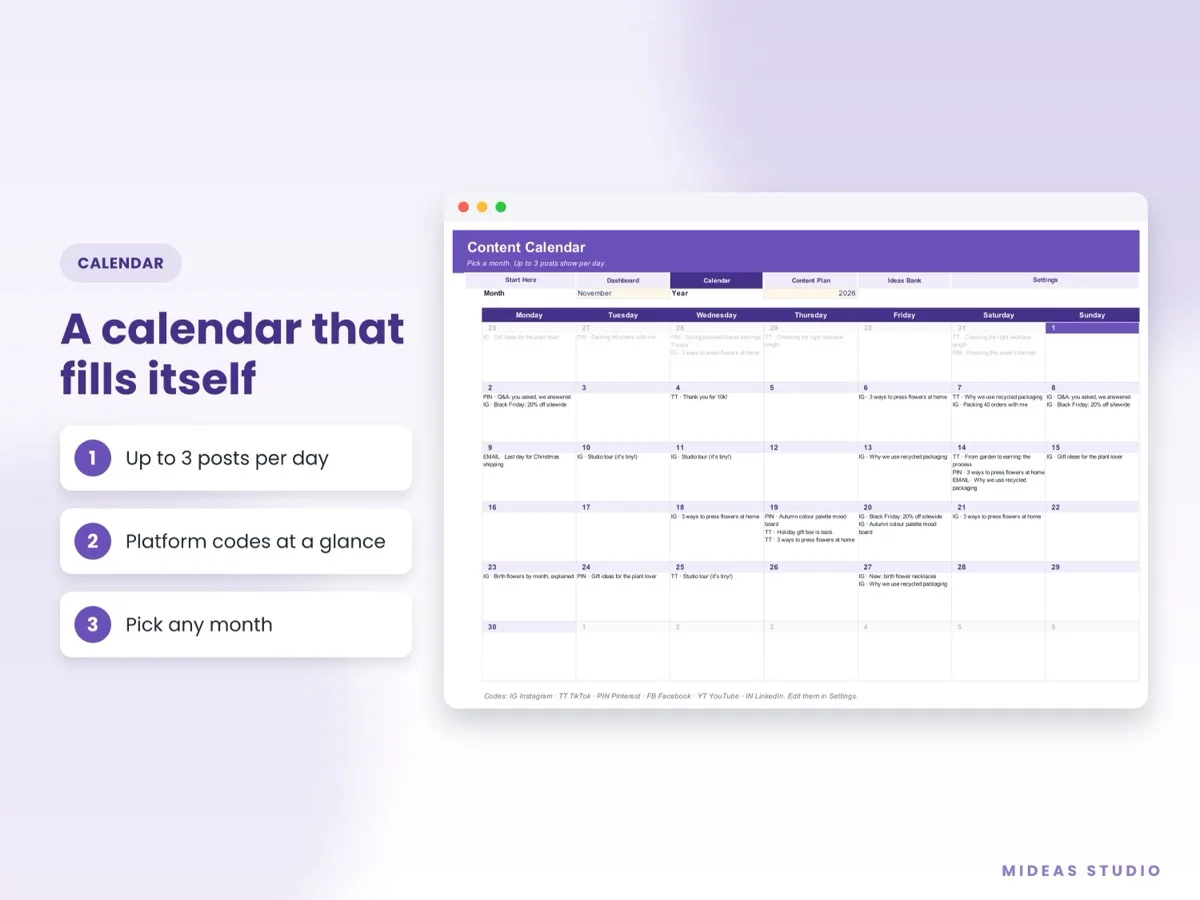
  • Monthly calendar that fills itself from your content plan (up to 3 posts per day shown)
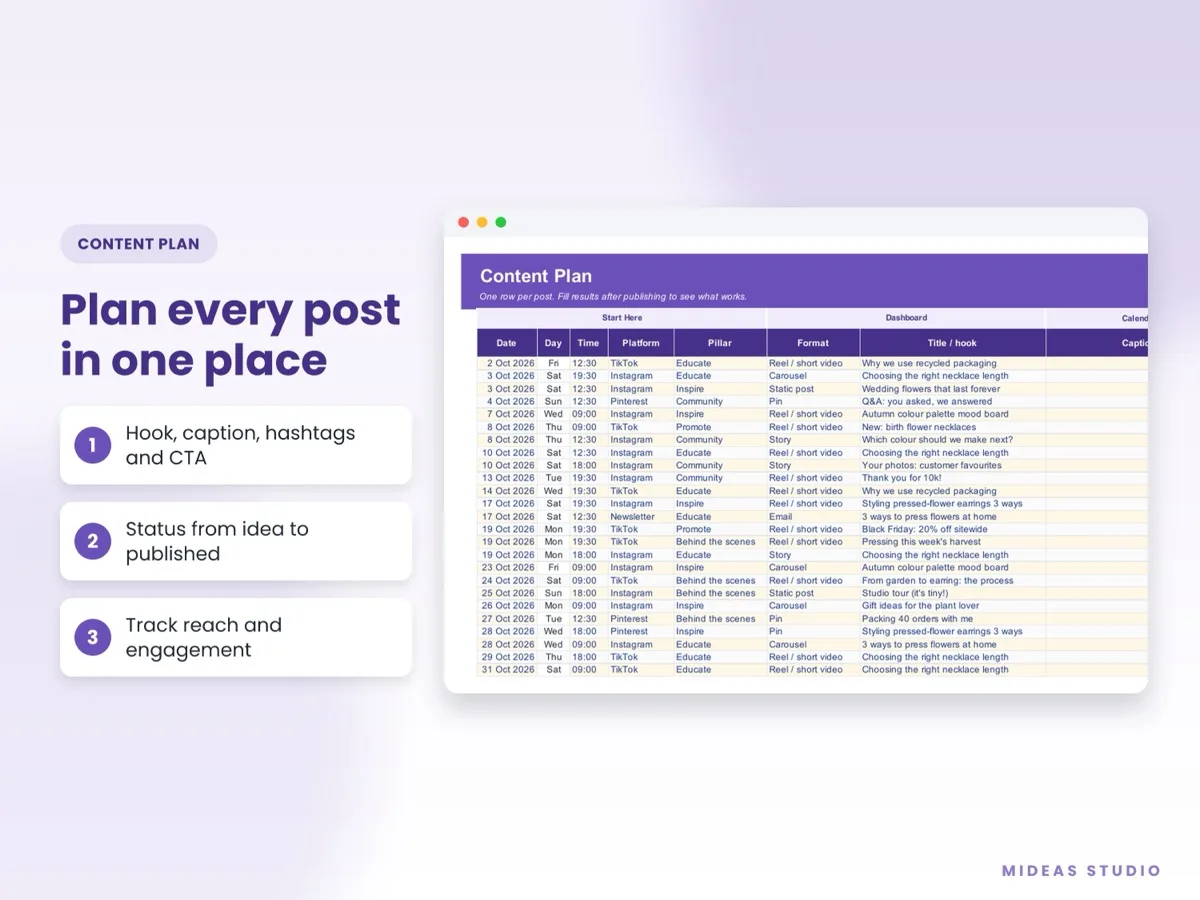
  • Content plan with platform, pillar, format, hook, caption, hashtags, CTA and status
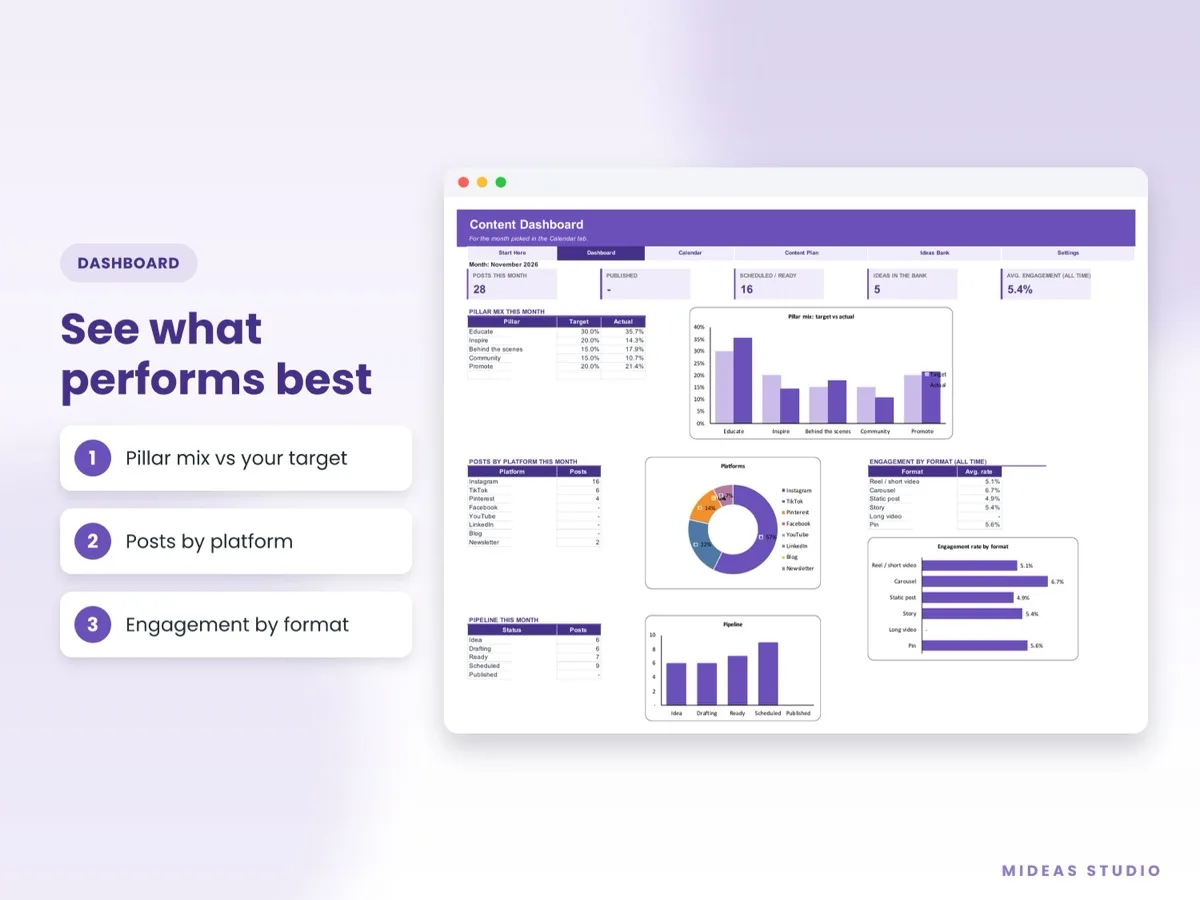
  • Content pillars with a target mix, plus a chart of actual vs target
  • Results tracking: reach, likes, comments, shares, saves, clicks and engagement rate
  • Engagement by format to see what works best
  • Ideas bank and hashtag sets

What you get

  • The spreadsheet in English (.xlsx) for Microsoft Excel, Google Sheets and Apple Numbers
  • The same spreadsheet fully translated into Spanish, German, French and Italian
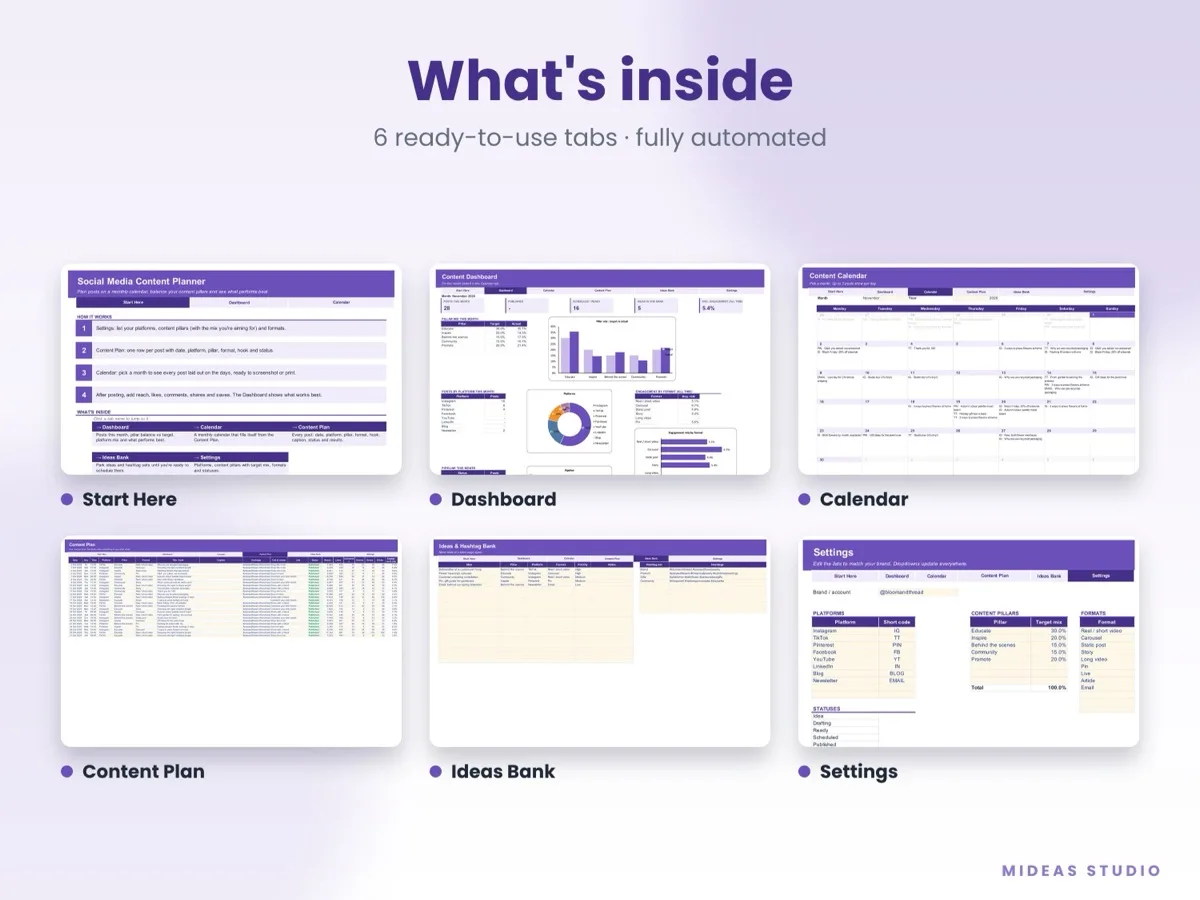
  • A Start Here tab with step-by-step instructions inside each file
  • Prefer another language? Every file is fully translated: tabs, help text and examples

Works with

  • Microsoft Excel (desktop, Mac and web)
  • Google Sheets (free): upload to Google Drive and open
  • Apple Numbers (some charts look different)

Comes with example data so you can see it working, then clear it and add your own. Any currency.

Please note

  • This is a digital download. Nothing physical will be shipped.
  • Because it's a digital file, returns aren't accepted, but message us if anything doesn't work and we'll help.
  • For personal or single-business use. Please don't resell or share the file.

Also available in our Etsy shop →

How it works

  • Settings: your platforms, pillars (with target mix) and formats.
  • Content Plan: one row per post.
  • Calendar: pick a month to see it laid out.
  • Add results after posting. The Dashboard shows what performs.

What each tab does

  • A calendar that fills itself: Up to 3 posts per day · Platform codes at a glance · Pick any month
  • See what performs best: Pillar mix vs your target · Posts by platform · Engagement by format
  • Plan every post in one place: Hook, caption, hashtags and CTA · Status from idea to published · Track reach and engagement
  • Never run out of ideas: Park ideas by pillar and platform · Priority for each idea · Reusable hashtag sets

Frequently asked questions

Does it work in Google Sheets and on a Mac?

Yes. It works in Microsoft Excel (Windows, Mac and web), Google Sheets and Apple Numbers. For Google Sheets, upload it to Google Drive and open it.

How do I get it?

You download the file right after paying, and the link is also emailed to you.

Do I need to know formulas?

No. You only type your data: the calculations, dashboard and charts update by themselves. Every file has a ‘Start here’ tab with the steps.

Is it a subscription?

No. You pay once and the file is yours.

What if something doesn’t work?

Write to info@mideas.es and we will help you.
You may also like

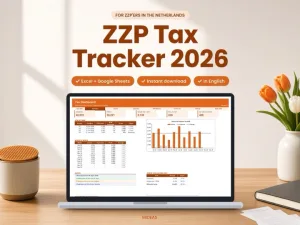
ZZP Tax Tracker 2026

ZZP'er in the Netherlands? Log your income and costs and see your quarterly BTW returns, income tax with

14,90 €
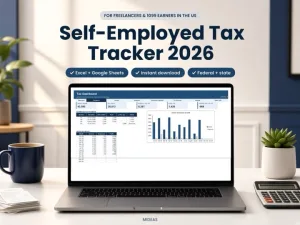
Self-Employed Tax Tracker 2026

Freelancer, creator or 1099 contractor in the US? Log what you earn and spend and see your self-employment

14,90 €
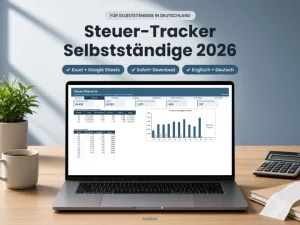
Freelancer Tax Tracker 2026

Freelancing in Germany? Log income and expenses and see your VAT returns, profit (EÜR), 2026 income tax, trade

14,90 €
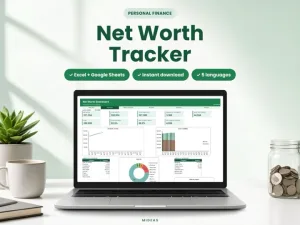
Net Worth Tracker

Ten minutes a month to see your whole financial picture and watch your net worth grow.

10,99 €